NMI payment gateway + dashboard for WooCommerce
Take card payments on WooCommerce with NMI, and run it all from one dashboard.
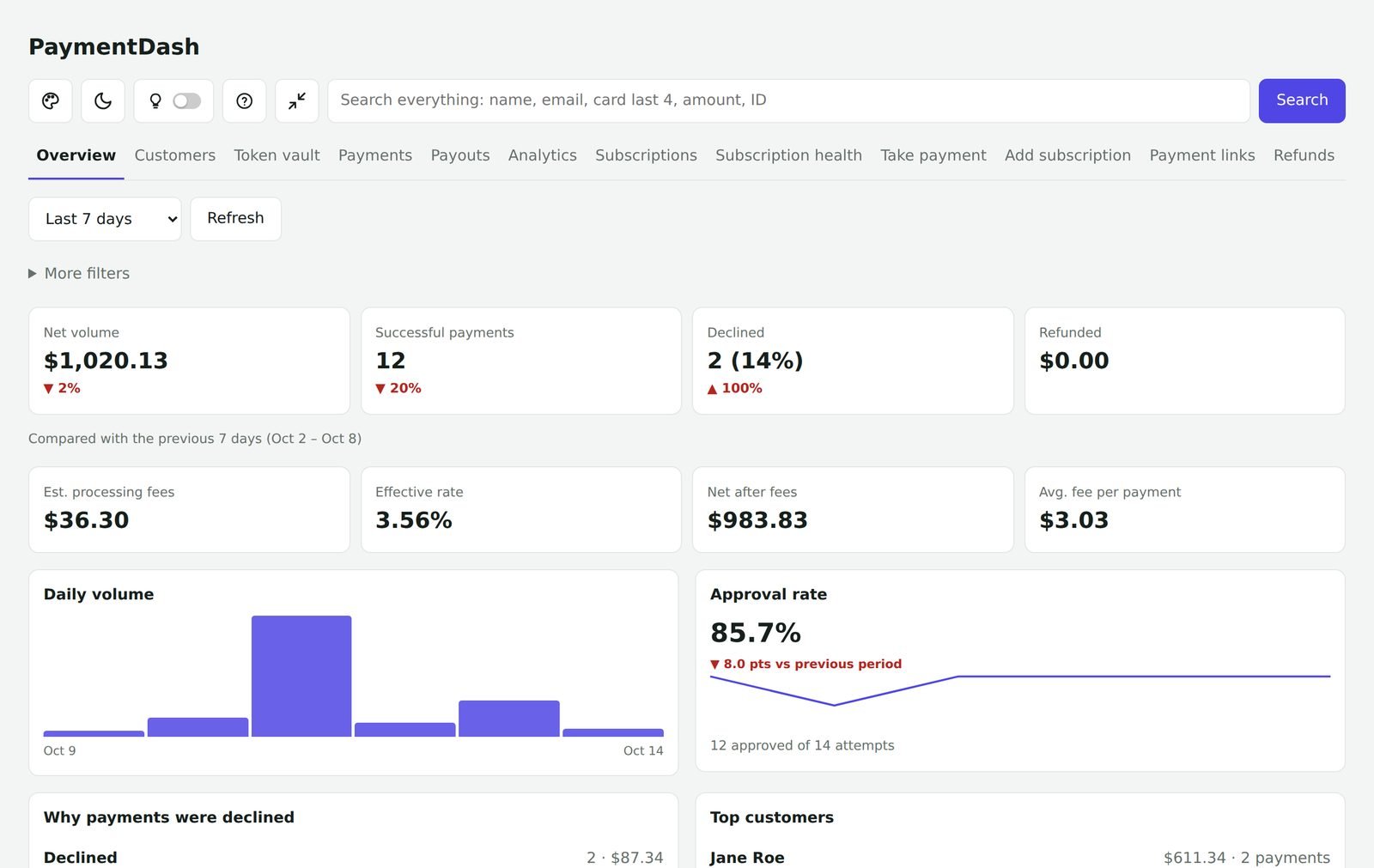
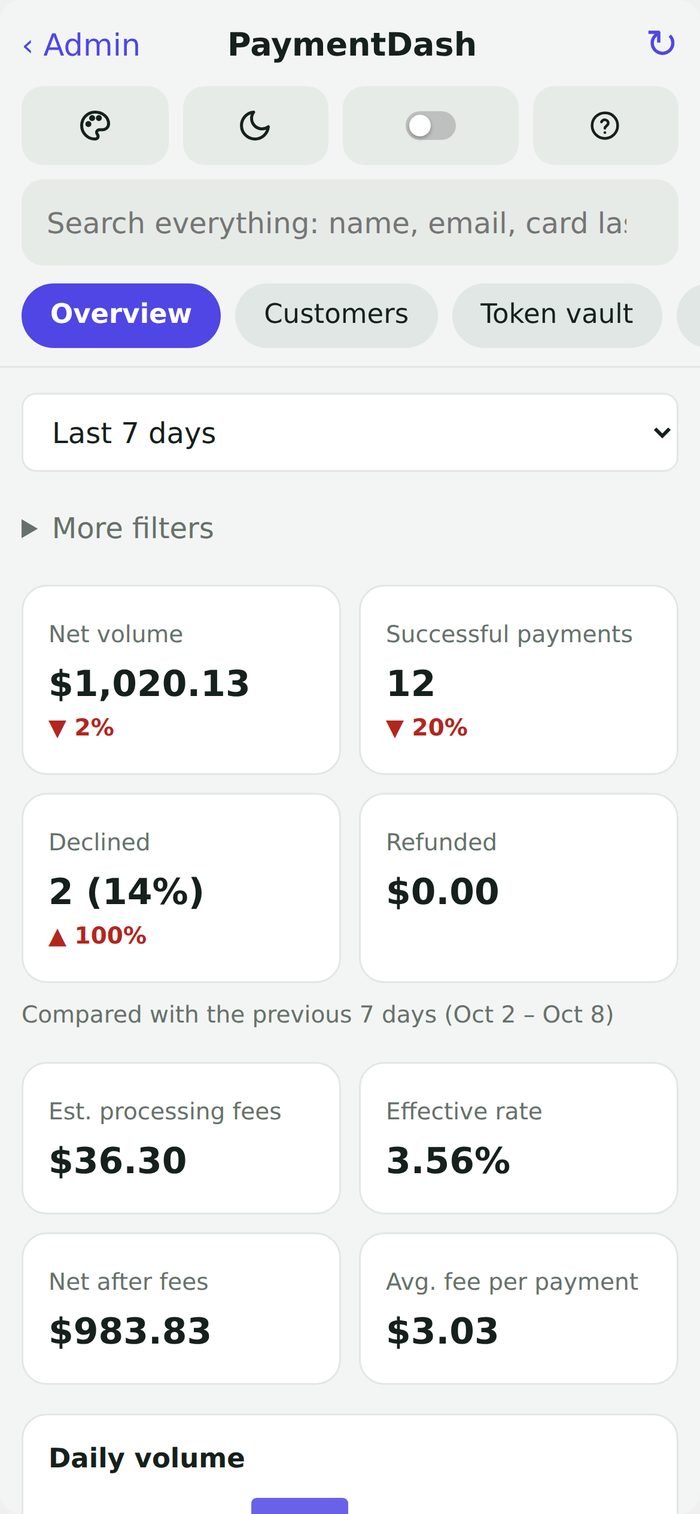
PaymentDash is two things in one plugin. A payment gateway that lets your WooCommerce checkout accept cards and eChecks through your NMI account, with saved cards and subscriptions. And a payments dashboard inside WordPress for every payment, refund, customer and subscription, with phone payments, payment links, alerts and reports.
- ✓ WooCommerce Subscriptions
- ✓ Block & classic checkout
- ✓ Saved cards
- ✓ eCheck / ACH
No separate gateway plugin needed. One yearly price. Every feature. 14-day money-back guarantee.
Works with NMI and NMI-powered gateways · WooCommerce · WooCommerce Subscriptions · QuickBooks Online · Twilio · Zapier
Two plugins’ worth of work, in one
Most NMI stores need a gateway plugin for checkout and then log in to a separate portal to see what happened. PaymentDash does both.
1. The gateway: take payments
Your WooCommerce checkout accepts cards and eChecks through NMI.
- Block and classic checkout
- Saved cards in the NMI vault, one-click repeat checkout
- WooCommerce Subscriptions renewals and Pre-Orders
- Charge now or authorize and capture later
- Optional 3D Secure 2, sandbox mode, refunds from WooCommerce
Illustration. Card fields are hosted by NMI, so card numbers never touch your site.
2. The dashboard: run your payments
One screen inside WordPress for everything that happens after checkout.
- Every payment, refund, payout and chargeback
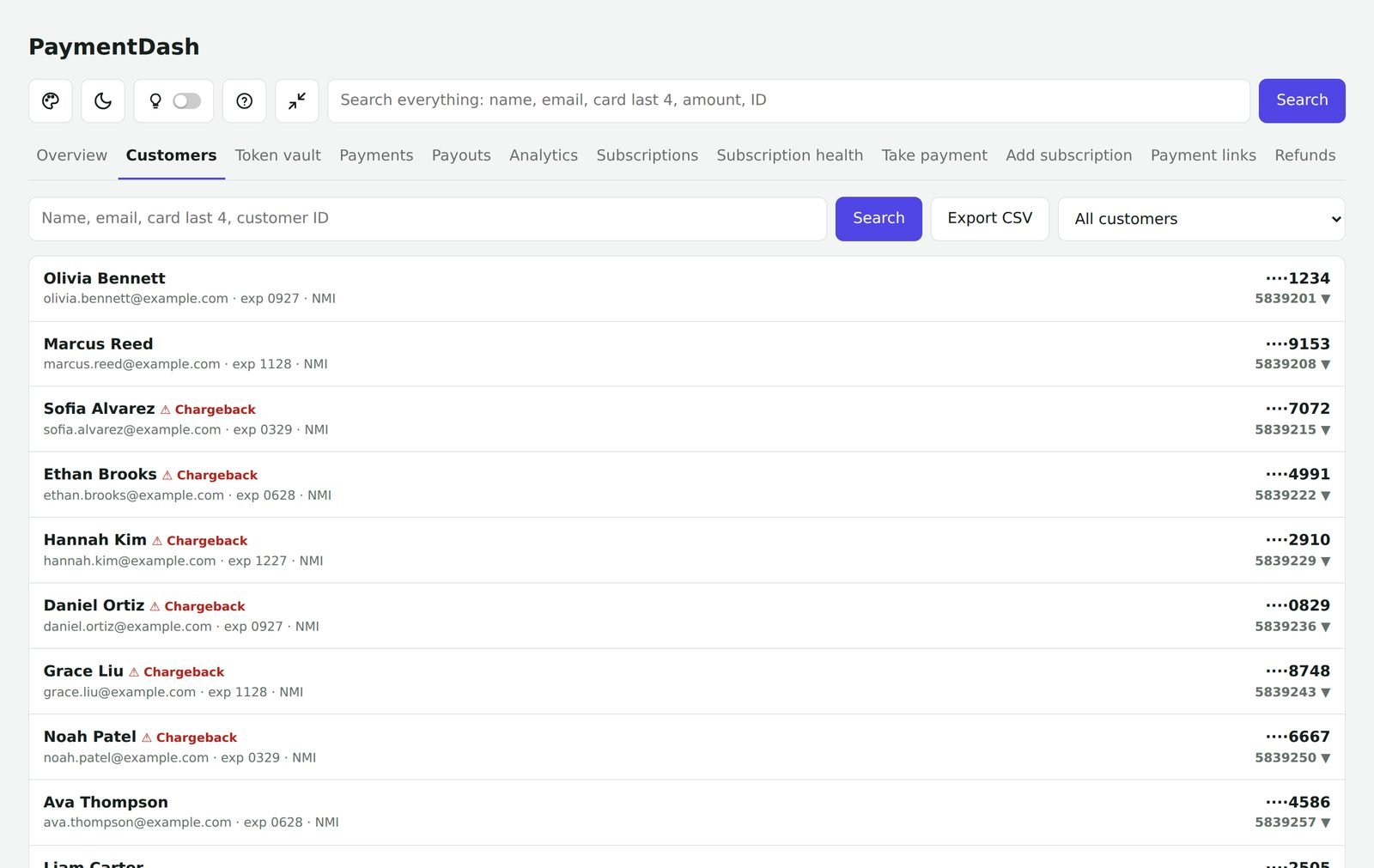
- Customers with their saved cards and full history
- Subscriptions you can pause, skip, move or switch
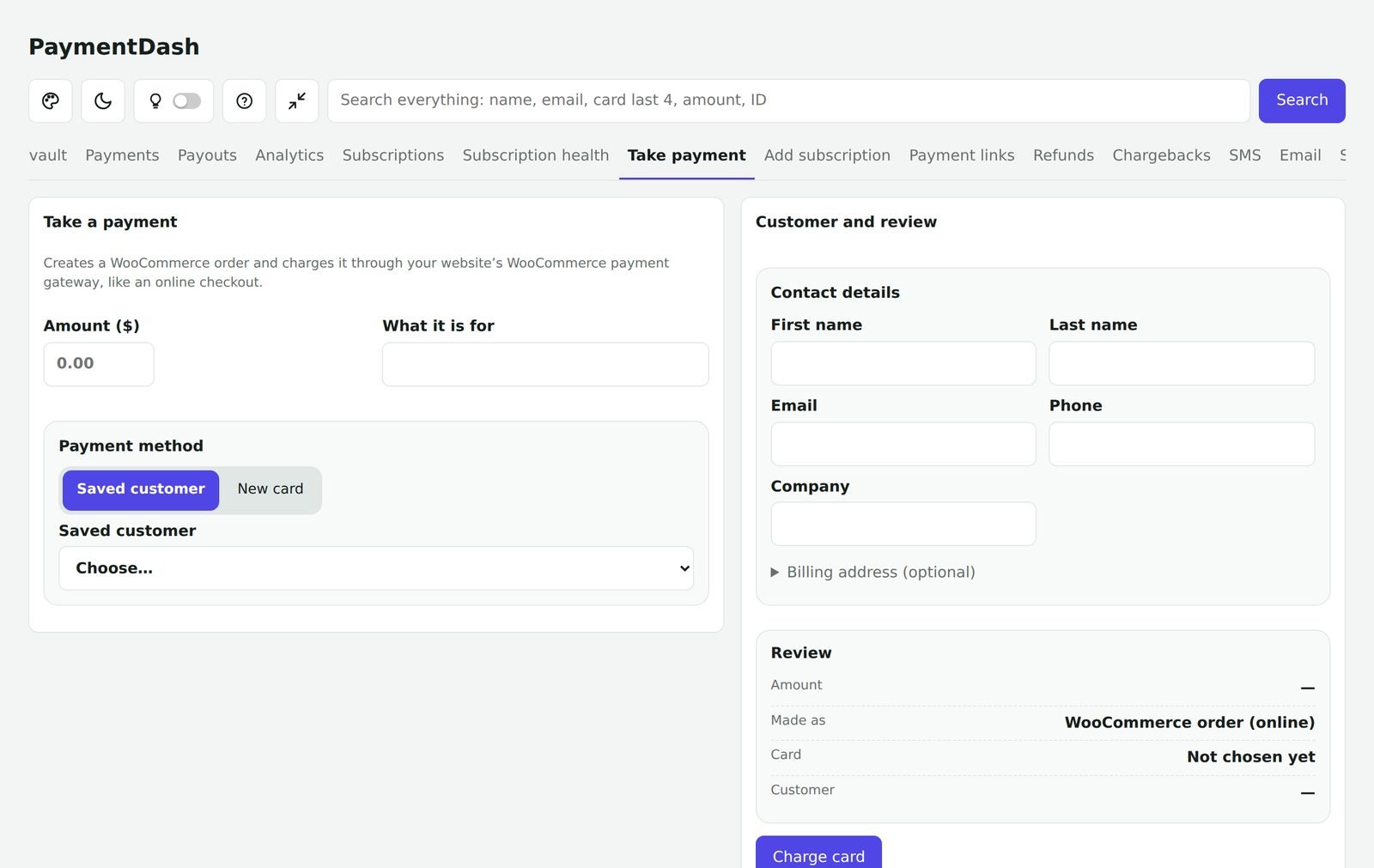
- Take payment over the phone and send payment links
- Alerts, customer messages, reports and tax reports
Works with WooCommerce Subscriptions
Built for subscription and membership stores
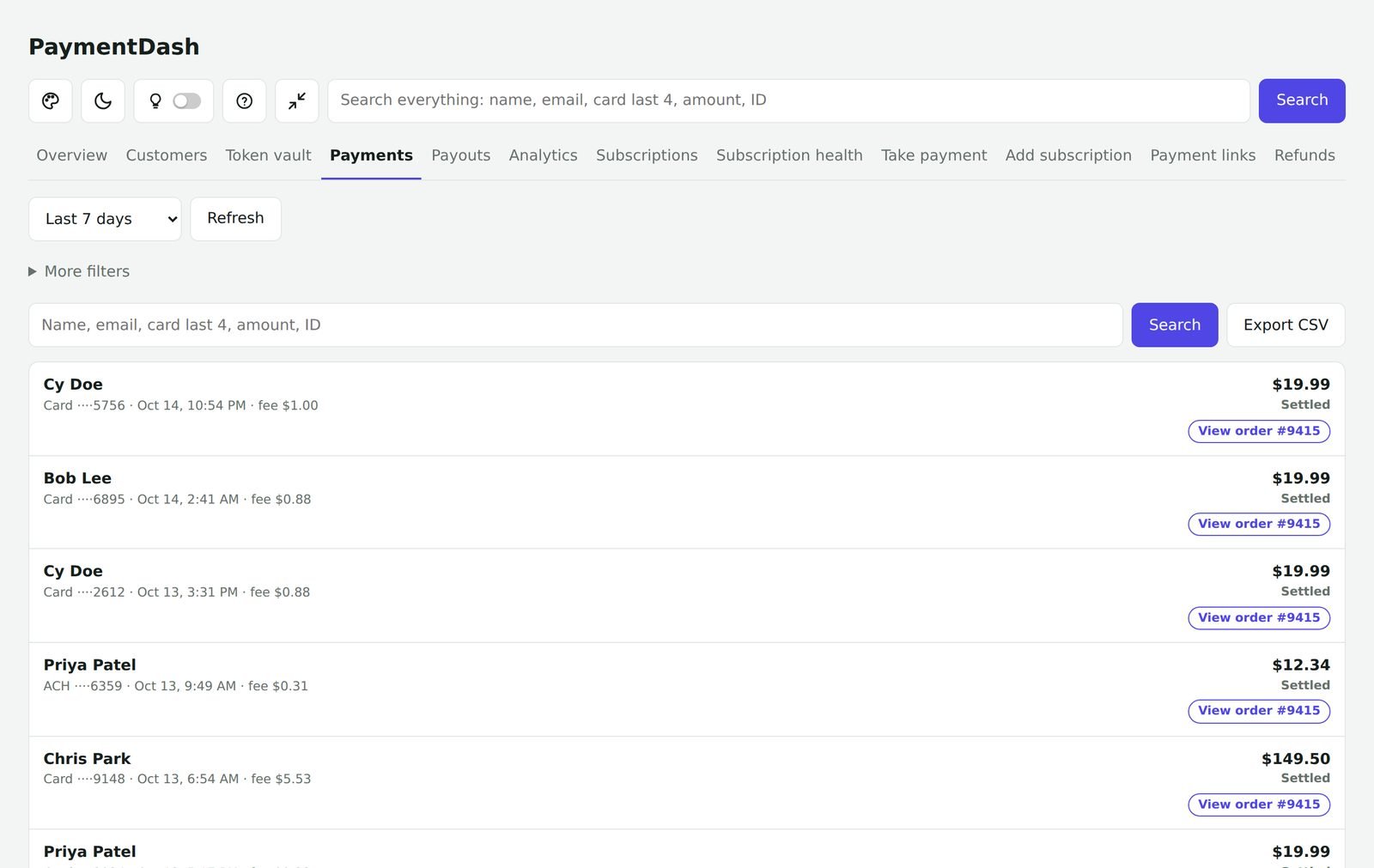
PaymentDash works hand in hand with WooCommerce Subscriptions. Renewals are charged automatically to the card saved in your NMI vault, and you manage every subscription from one screen.
- Automatic renewals through your NMI account, including customers with several subscriptions
- Customers can change the card on a subscription from My account
- Pause, skip a payment, change the date, switch plans or update the card in a couple of clicks
- Subscription health: who is on hold, whose card is about to expire, and monthly recurring revenue
- Automatic retries for failed renewals, and reminder emails or texts that bring customers back
Built for the way NMI merchants actually work
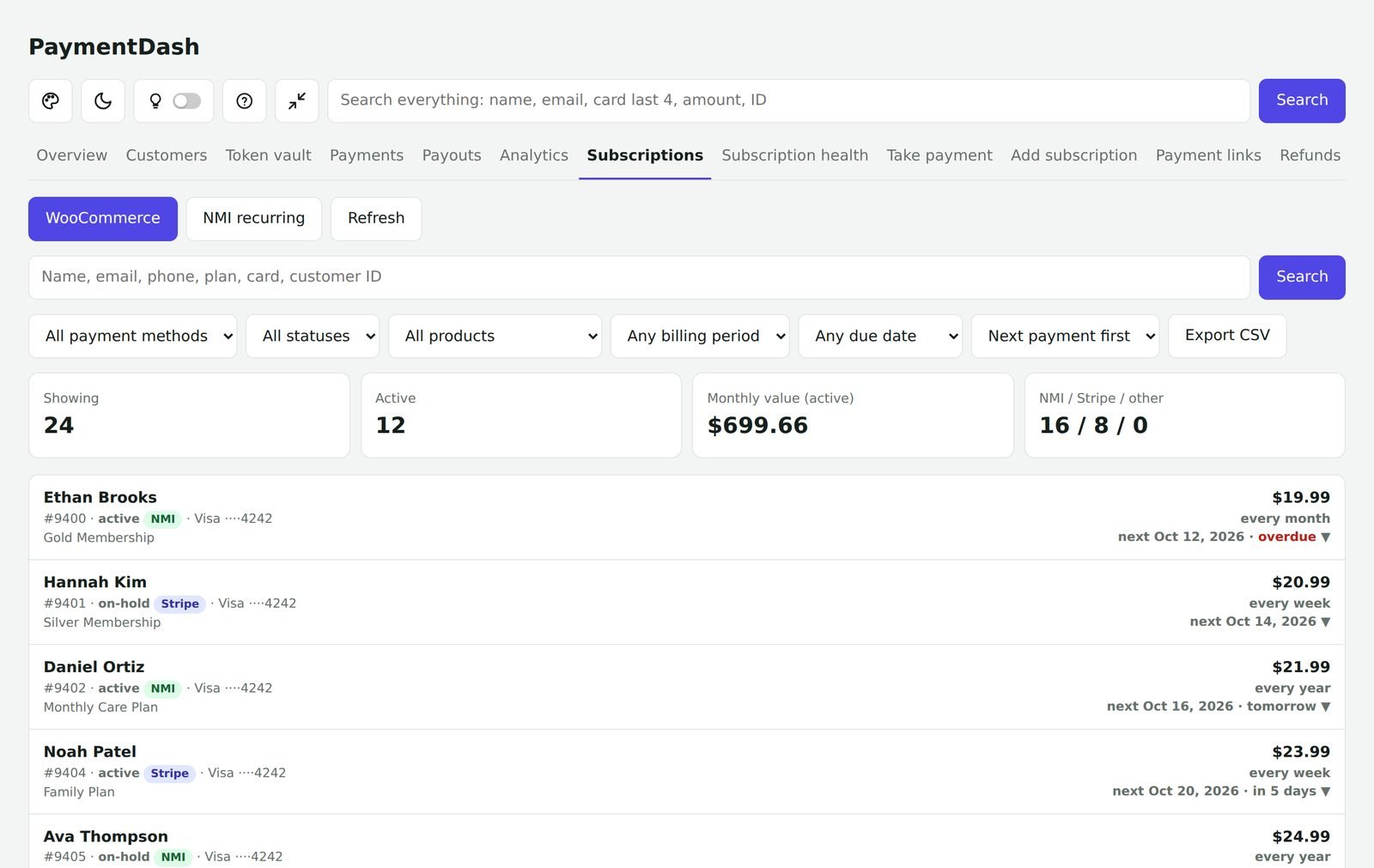
One screen instead of three portals
Your gateway portal, WooCommerce and your subscription screens finally live in one place, with one search box that finds any payment, customer or subscription.
Take payments without a terminal
Charge a card over the phone, start a subscription for a customer, or send a payment link. Every charge becomes a normal WooCommerce order.
Know what is working
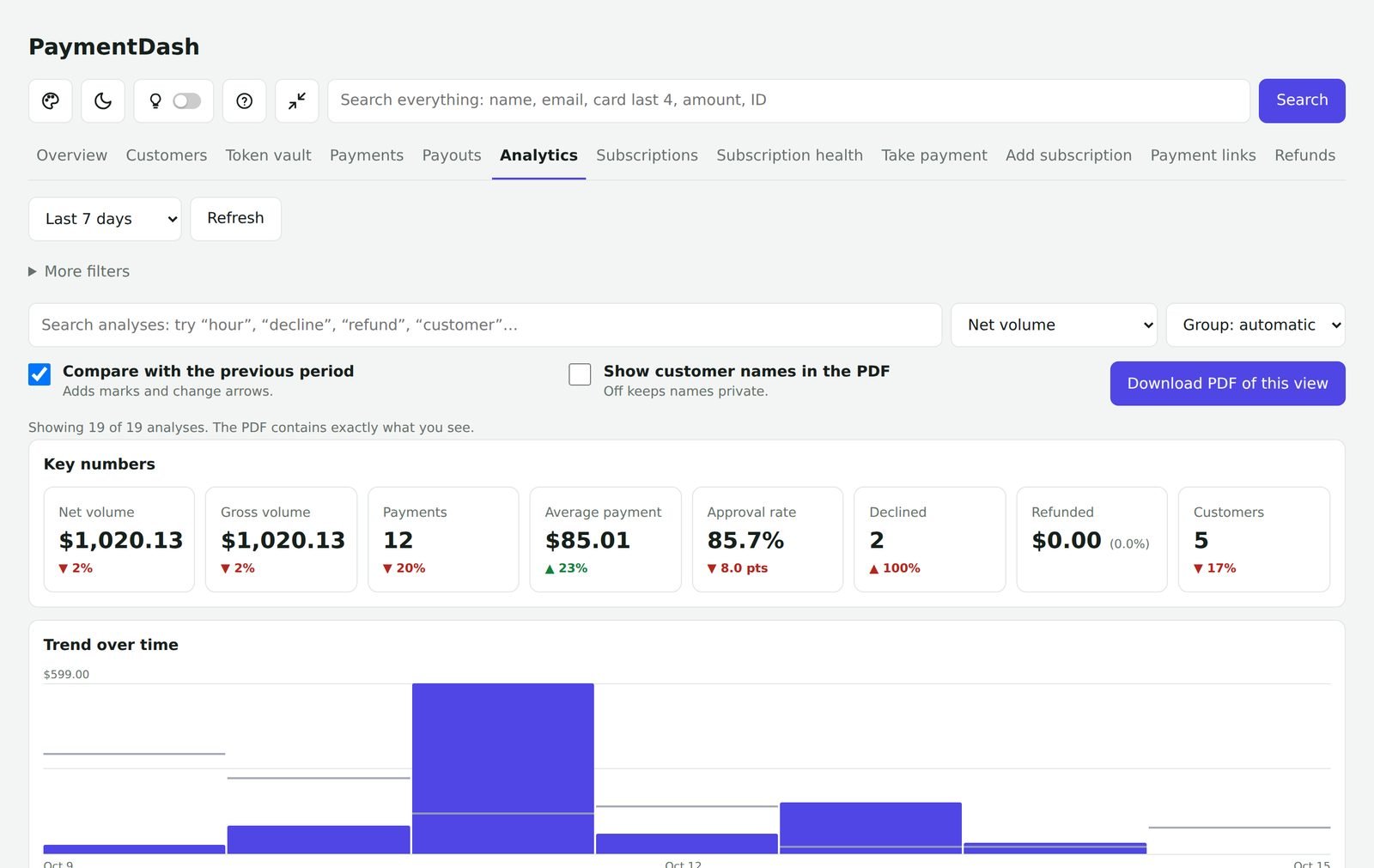
Approval rates, decline reasons, refunds, chargebacks, fees and renewals at a glance, with reports and PDFs your accountant will actually like.
Everything included
No add-ons and no feature tiers. Every plan includes all 17 of these. Click any one for the details.
WooCommerce payment gateway
Take card and bank payments on your WooCommerce checkout through your NMI account.
Learn more →Overview and analytics
See how you are doing today, this week or this month, and dig into what changed.
Learn more →Payments, payouts and refunds
Every payment in one searchable list, with refunds in two clicks.
Learn more →Customers and saved cards
One complete history for every customer.
Learn more →WooCommerce Subscriptions
Manage WooCommerce Subscriptions without digging through order screens.
Learn more →Take payment and add subscriptions
A virtual terminal for phone, invoice and in-person payments.
Learn more →Payment links
Send a customer a secure link to pay online.
Learn more →Chargebacks and webhooks
Know about disputes the moment NMI does.
Learn more →Text and email alerts
Hear about the payments that matter, the way you like.
Learn more →Customer messages
Emails and texts that keep customers paying.
Learn more →Sales reports and taxes
Reports with your logo, ready for your records or your accountant.
Learn more →QuickBooks Online and Zapier
Send your payments where your business already works.
Learn more →Import your payment history
Bring payments from the processor you used before NMI.
Learn more →Backup payment method
Keep taking payments if NMI is ever unreachable.
Learn more →Team access and security
Let staff help, with limits you set and a record of everything.
Learn more →Themes and branding
Ten looks, light and dark mode, and your own brand.
Learn more →Setup assistant, guide and tour
Up and running in about ten minutes, with help built in.
Learn more →See it in action
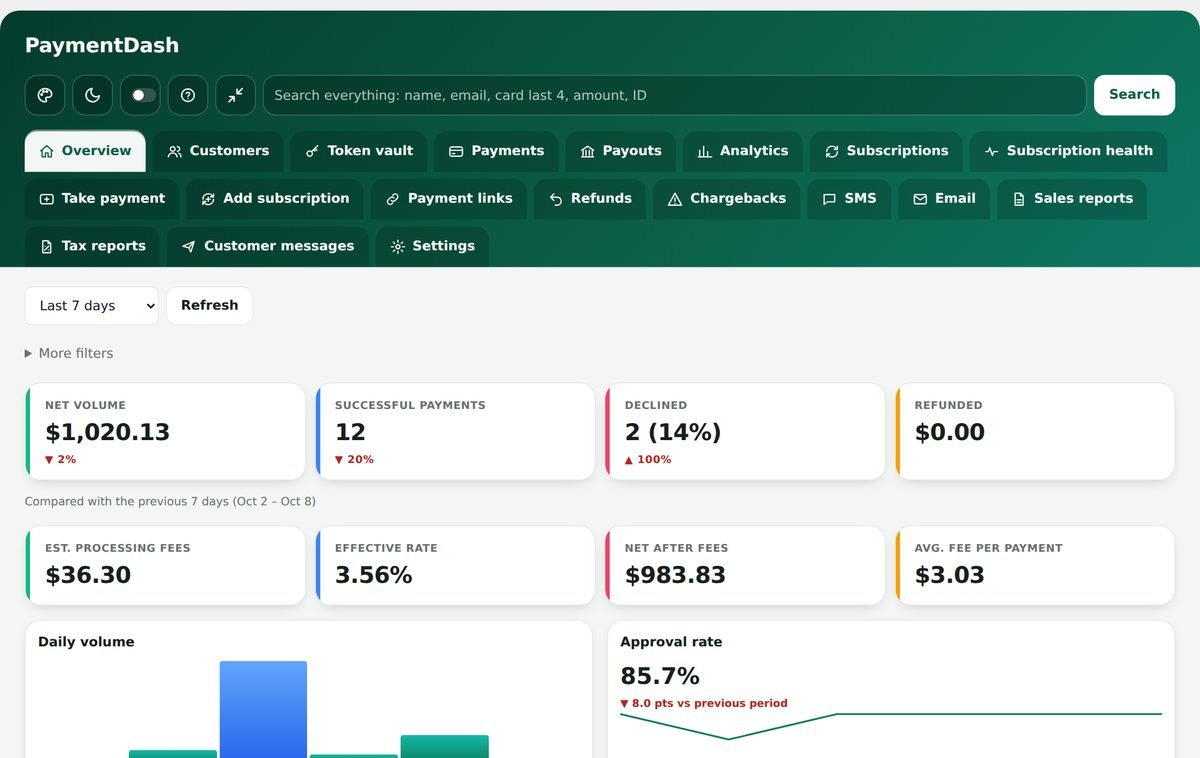
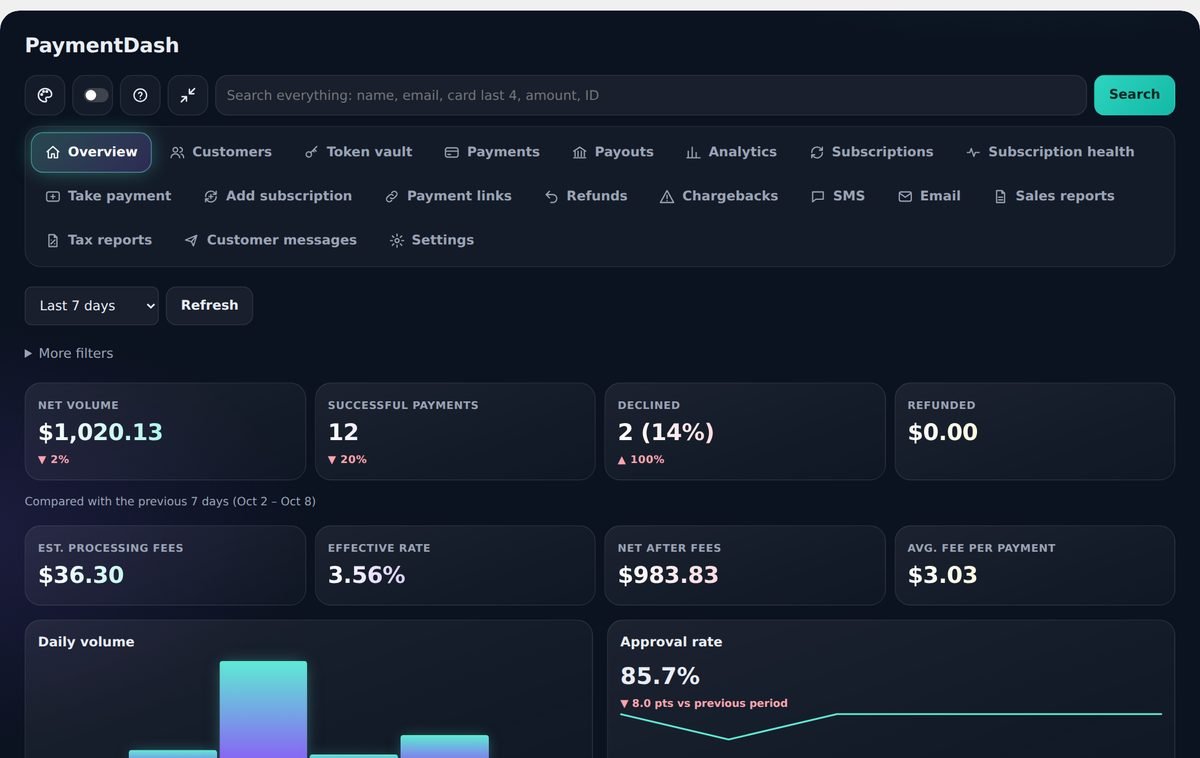
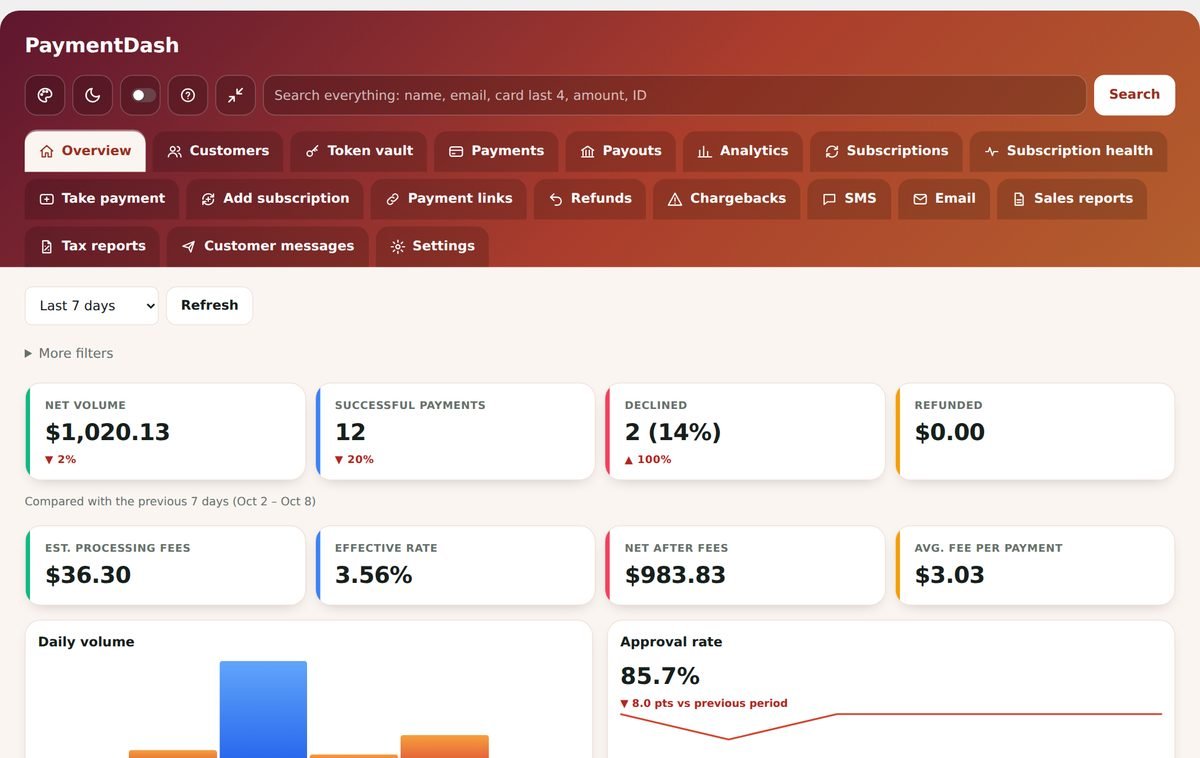
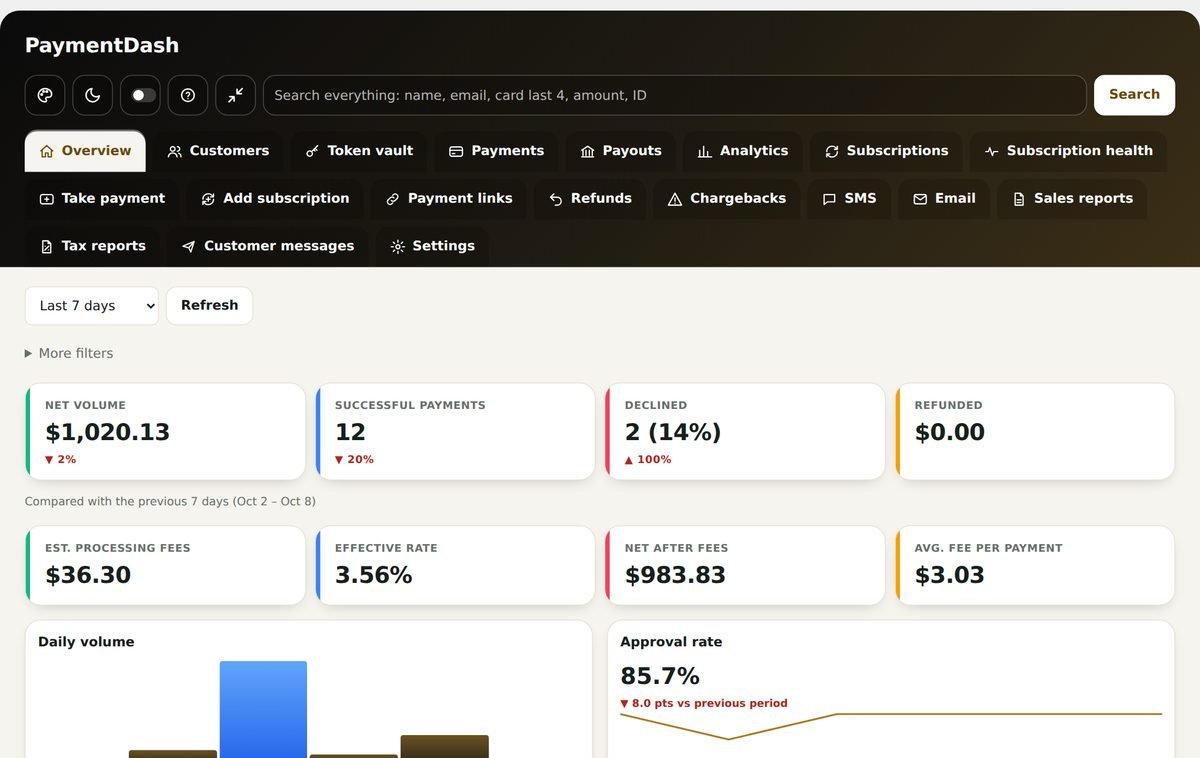
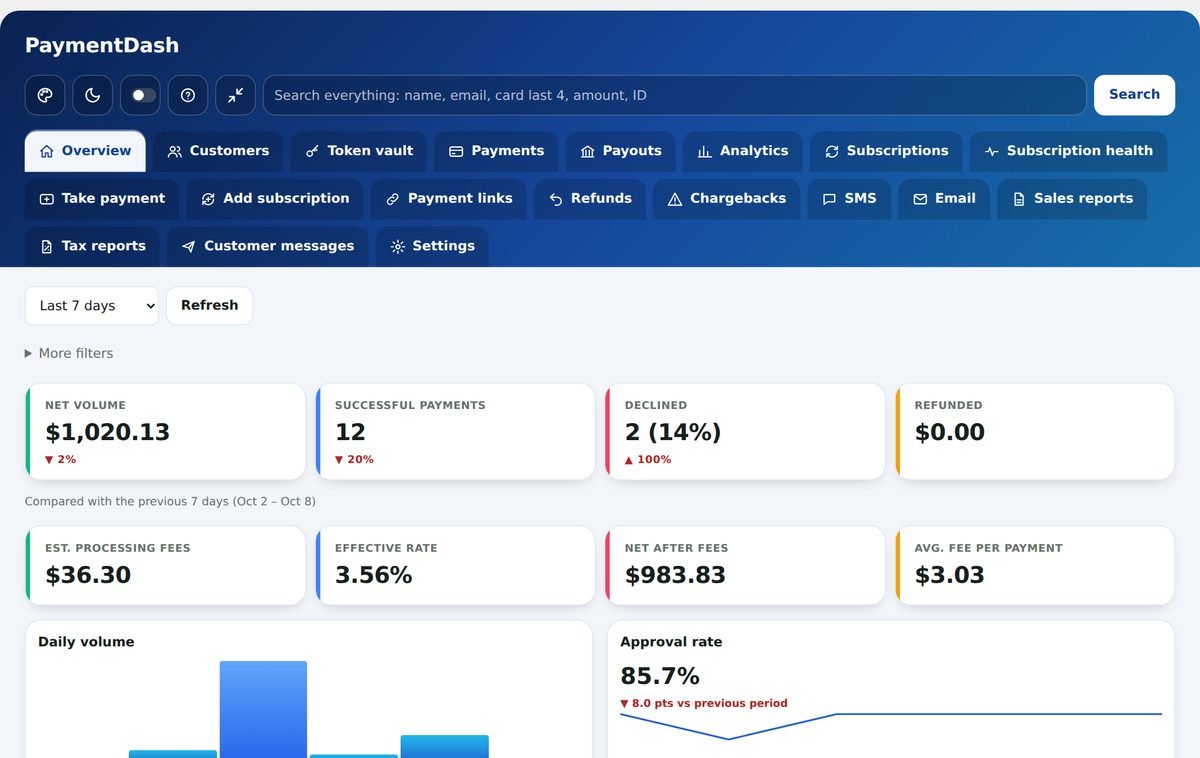
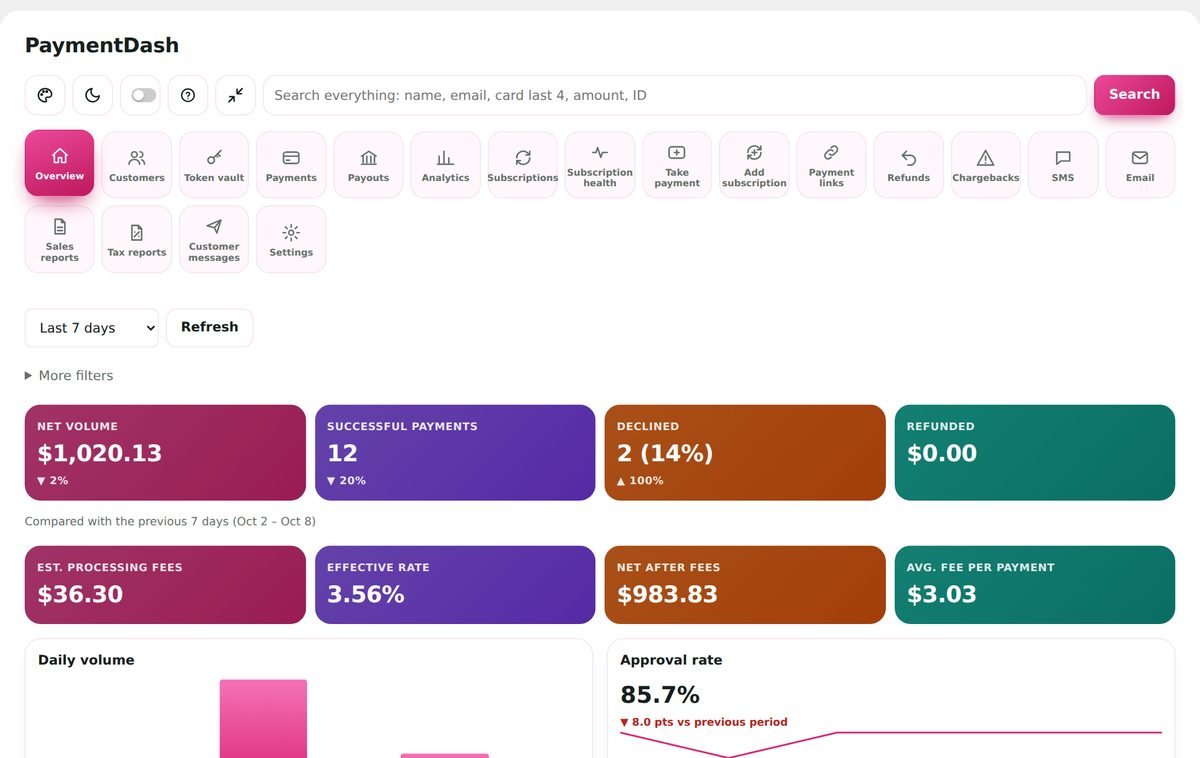
Make it yours: 10 looks plus dark mode
Each person on your team picks their own look. Your logo and colour show for everyone.
Up and running in about ten minutes
- Install the pluginUpload it in WordPress like any plugin. It works with the WooCommerce store you already have.
- Connect NMIThe setup assistant walks you through copying your keys from the NMI portal, with a built-in guide for where each one lives.
- Start sellingCard checkout, saved cards and subscriptions are on. Your dashboard fills in from your NMI history.
Secure by design
PaymentDash runs on your own WordPress site. Your payment data is never sent to us.
- Card numbers are typed into NMI’s secure fields and go straight to NMI (once your tokenization key is added, which the setup assistant does).
- Your NMI keys are kept in the dashboard’s encrypted settings.
- Staff limits, password checks for large charges and an activity log of every action.
- Alerts for unusual activity, like many declines in a row.
Simple yearly pricing
Every plan includes every feature. The only difference is how many websites you can use it on.
Starter
For one store.
$199/year
1 website
Buy Starter- Every feature included
- A year of updates and support
- Bundled NMI checkout gateway
- 14-day money-back guarantee
Business
For a few stores, or a store plus a staging site.
$399/year
3 websites
Buy Business- Every feature included
- A year of updates and support
- Bundled NMI checkout gateway
- 14-day money-back guarantee
Agency
For agencies and resellers who set up clients.
$799/year
25 websites
Buy Agency- Every feature included
- A year of updates and support
- Bundled NMI checkout gateway
- 14-day money-back guarantee
Prices in USD, billed once a year. Sales tax may be added at checkout. Renew any time to keep updates, support and the paid tools.
Questions
Do I need my own NMI account?
Yes. PaymentDash works with your existing NMI merchant account, directly with NMI or through an NMI reseller. Payments go between your customers, NMI and your bank. We never hold or move your money.
Is it a payment gateway too?
Yes. It includes a full NMI payment gateway for WooCommerce with saved cards, subscriptions, eCheck/ACH and optional 3D Secure, so your checkout takes payments through NMI and you do not need a separate gateway plugin.
Can my staff use it?
Yes. Choose which roles or people can open the dashboard. Staff can view payments, customers and subscriptions and refund within limits you set; taking payments, payment links and subscription changes are for administrators. Big charges can require a password, and every charge, refund and settings change is logged.
What happens if I do not renew?
Your checkout and subscription renewals keep working. Updates and support stop until you renew, and after a 14-day grace period the paid tools, such as Take payment and reports, pause too.
Is there a refund policy?
Yes. If PaymentDash is not right for you, ask for a refund within 14 days of purchase and you get your money back.
Run your payments from one place.
Install in minutes. Cancel any time. 14-day money-back guarantee.
Get PaymentDash Pro