Payments, payouts and refunds
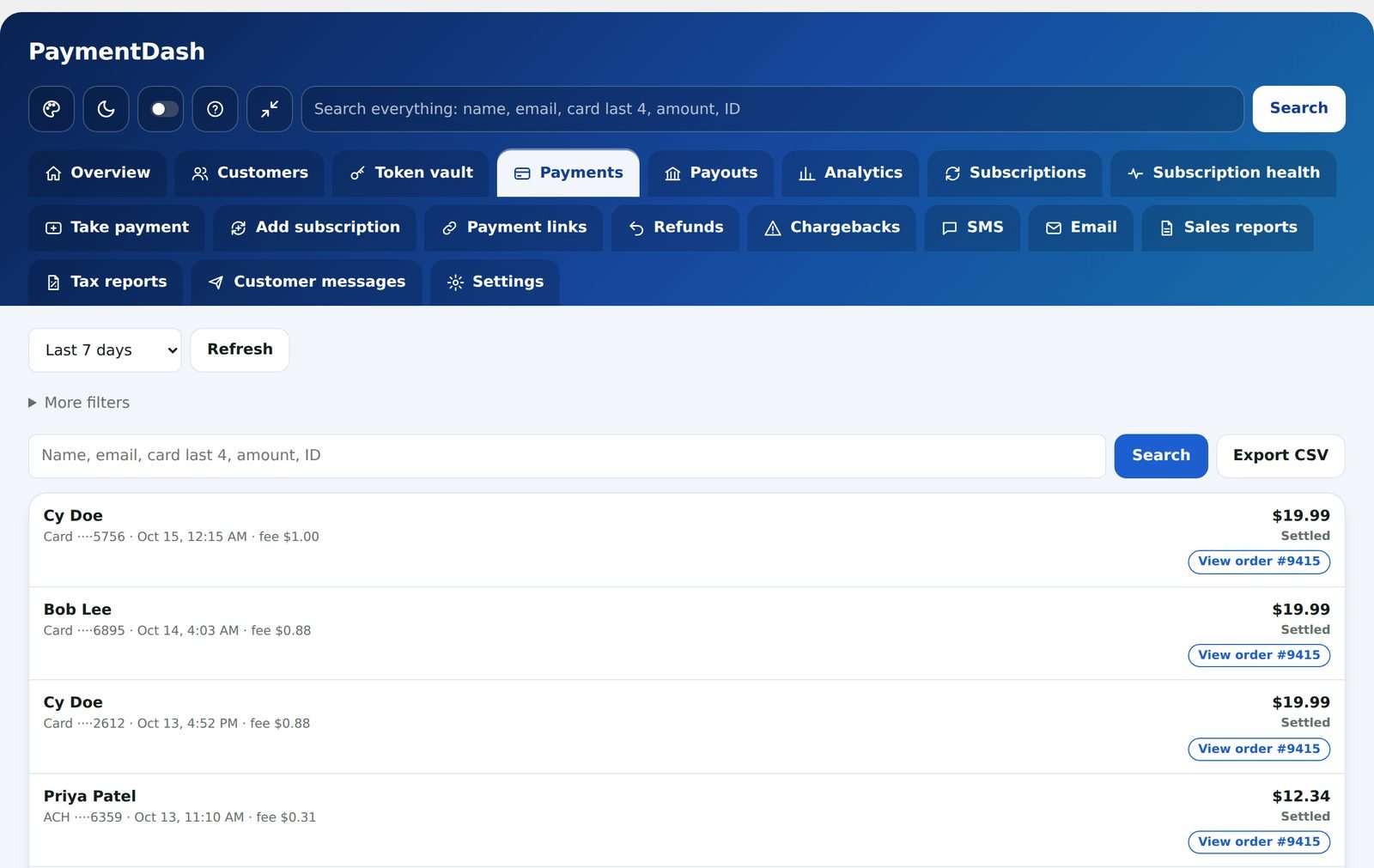
Find any payment by name, email, card last four, amount or ID. Open it to see what happened, step by step, then send a receipt or refund it.
Payments
All your NMI payments, joined to their WooCommerce orders.
- Filters for date, status, card brand, type and amount
- Status at a glance: approved, settled, declined, refunded, voided
- Each payment’s full history, card details and order link
- Send a receipt by email or text
- Estimated fee per payment, if you enter your rates
- Export to CSV
Payouts
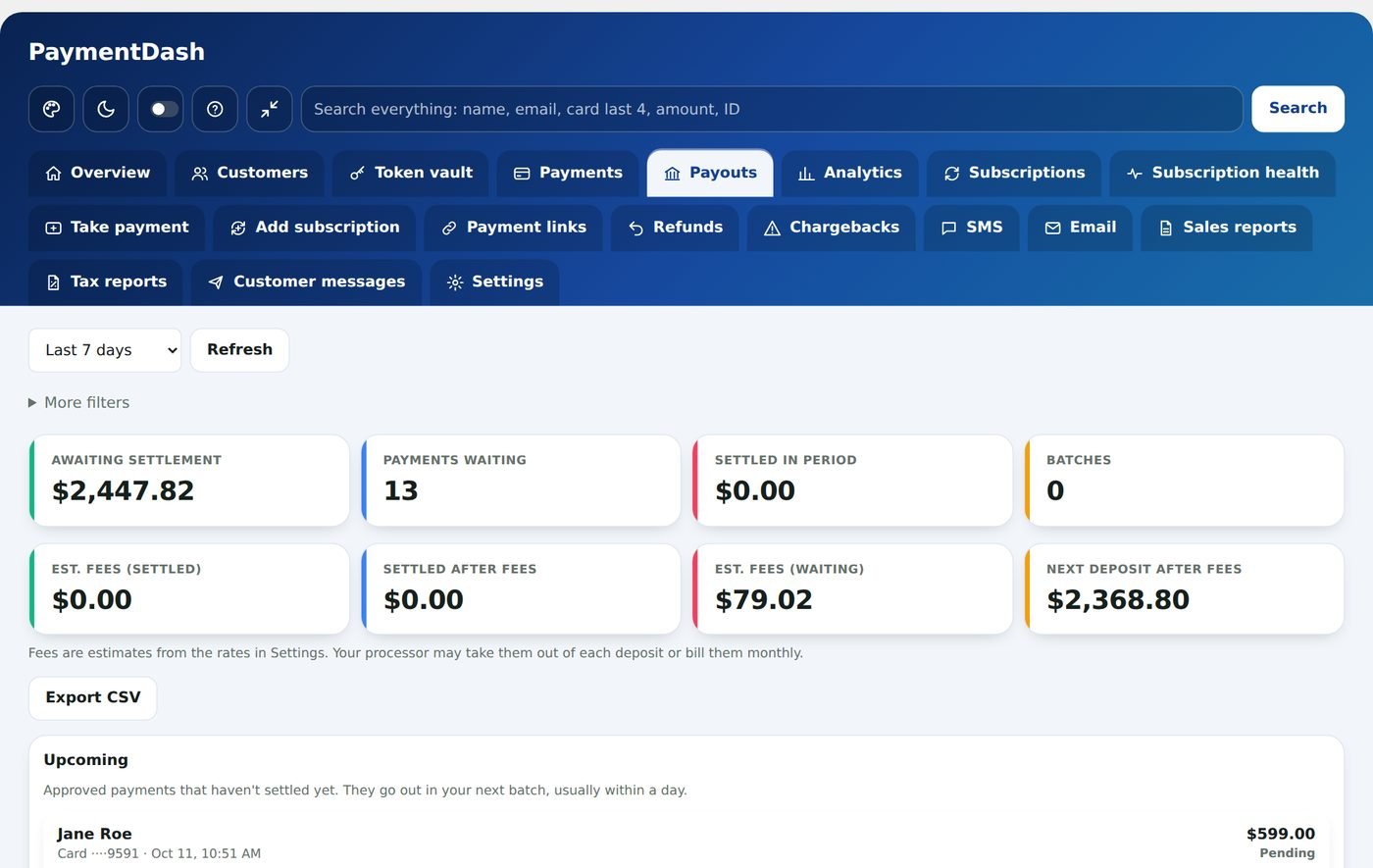
See what is waiting to settle and what has already settled, so you know what should reach your bank.
- Awaiting settlement and settled in the period
- Estimated fees and the next deposit after fees, if you enter your rates
- Settled batches with the number of payments in each
Refunds
Full or partial refunds go through NMI and are recorded on the WooCommerce order. The Refunds tab lists every refund in one place.
- Refund from the payment’s details
- Staff refund limits per refund and per day (Team access)
- Optional password check for larger refunds