Overview and analytics
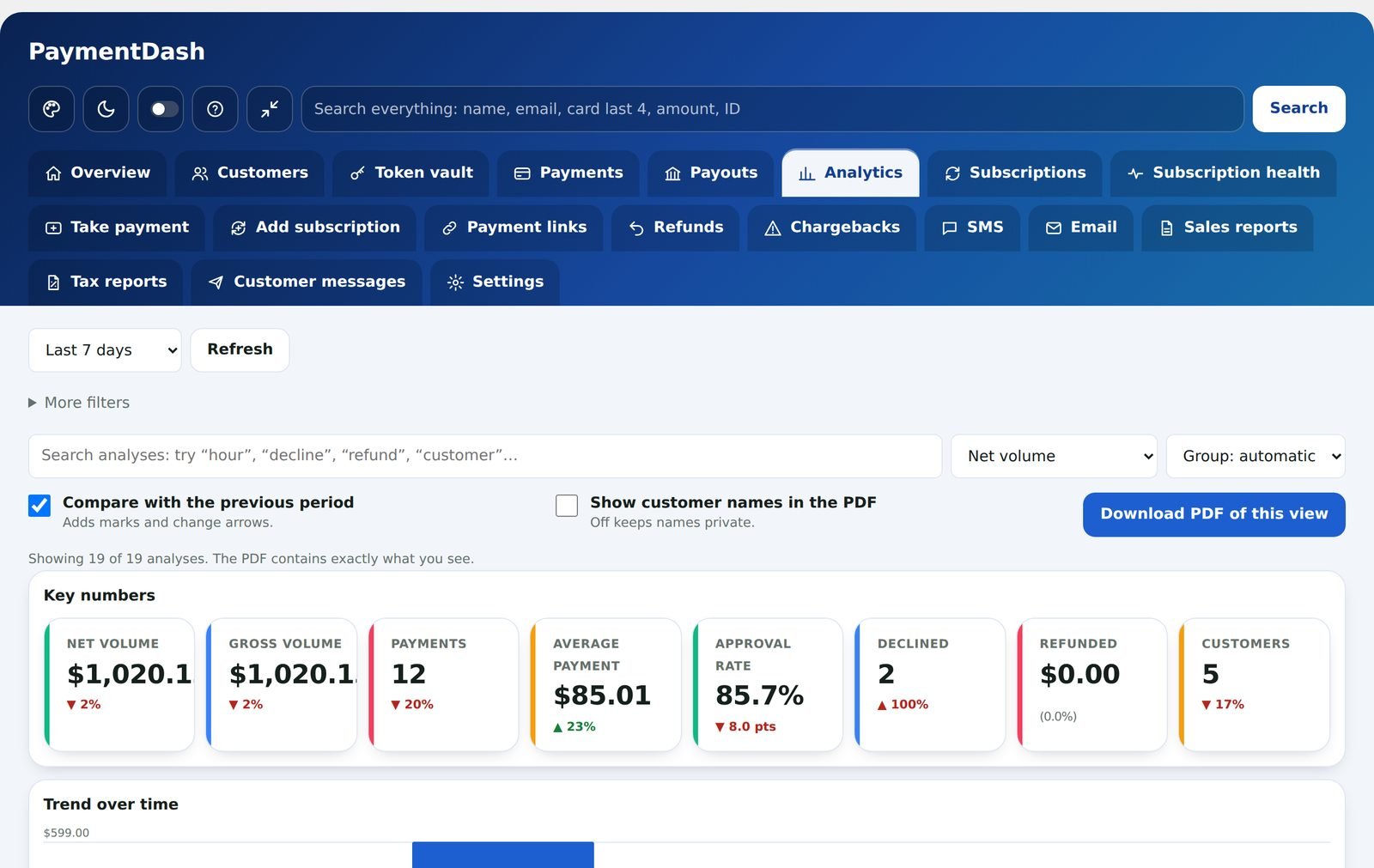
The Overview is the first thing you see: net volume, successful payments, declines and refunds, each compared with the period before. Analytics goes deeper with 19 analyses you can filter and save as a PDF.
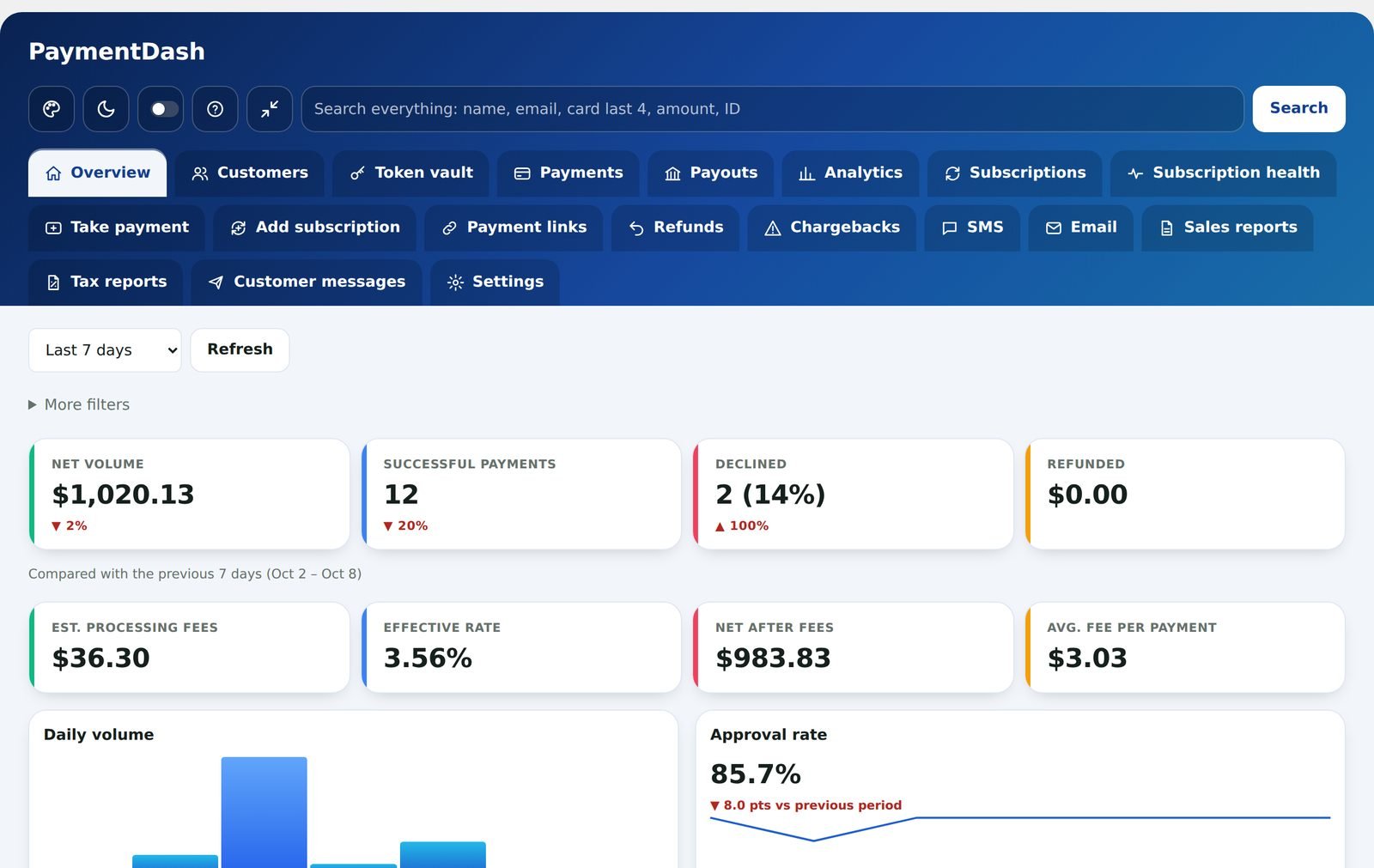
Your numbers at a glance
Pick a date range and see the totals that matter, with up and down arrows against the previous period.
- Net volume, successful payments, declines and refunds
- Estimated processing fees, effective rate and what you keep after fees (from the rates you enter)
- Daily volume chart and approval rate
- Why payments were declined, and your top customers
- Latest payments, one tap from the details
19 analyses, one click to a PDF
Search the analyses by name, choose a measure (net volume, gross, number of payments, average payment, approval rate, refunds or declines) and compare with the previous period.
- Key numbers, trend over time and running total
- By day of week, by hour of day and a busy-times heatmap
- Upcoming renewals and where customers are
- Card vs ACH, card brands and payment sizes
- Approval rate trend and decline reasons
- Top customers, repeat vs one-time customers and refunds
- Highlights and a detailed table
- Download the view you see as a PDF, with or without customer names
Questions
Where do the numbers come from?
From your NMI transaction history and WooCommerce, plus any history you imported from another processor. Nothing is sent to us.